How-to
How to check your home for product recalls
Check what you own against the federal recall list and make sure the makers of your products can reach you when a recall is announced.
Satisfy+ Editorial · Published May 25, 2026 · 2 min read · 45 min to do

At a glance
- Time
- About 50 minutes the first time
- Recall list
- CPSC.gov, updated weekly
- Alerts
- Recall emails from the CPSC
- Baby gear
- Comes with a registration card for recall notices
The U.S. Consumer Product Safety Commission keeps a searchable list of recalls, and its data updates weekly as new recalls are announced. Check what you already own, and make sure each maker can find you.
What you need
- A phone or a notes page to record what you find
- A flashlight for labels on the back or underside of appliances
- Any product registration cards still in the boxes
Steps
- 1
List the products to check
Start with appliances, heaters, dehumidifiers, chargers and anything for a baby or toddler. Write down the maker and the product type for each.
10 min
- 2
Record the model and serial numbers
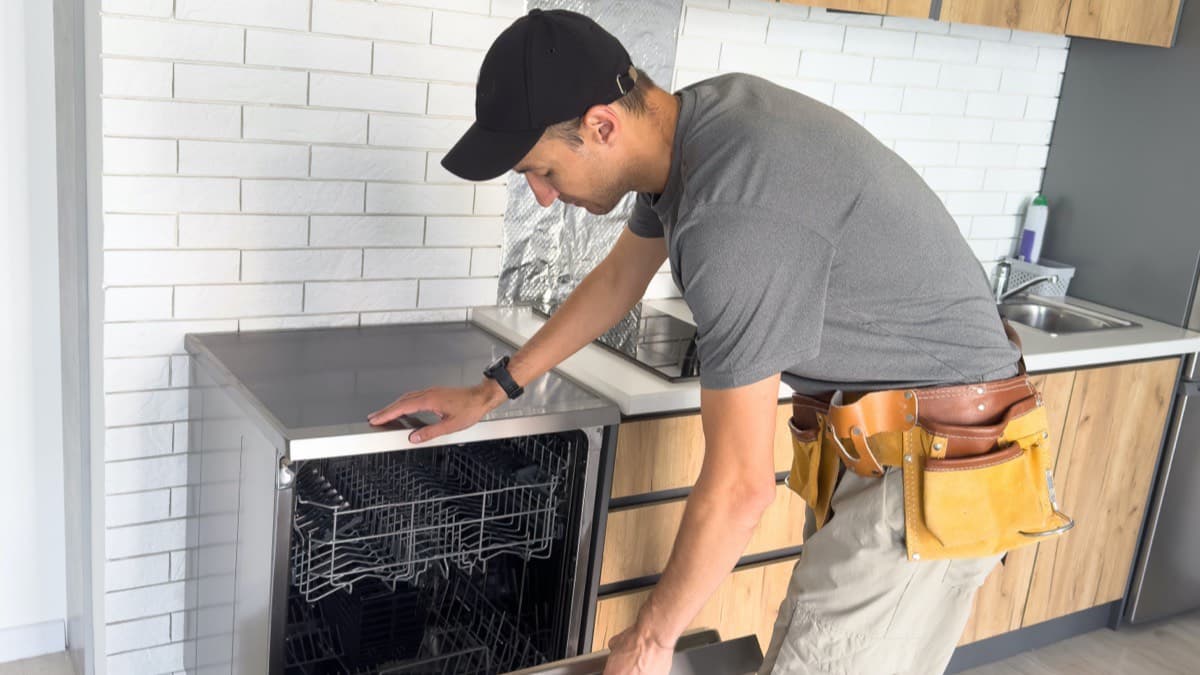
Find the label on each product, often on the back, the underside or inside the door. Photograph it and copy the model and serial numbers into your home records.
15 min
- 3
Search the CPSC recall list
The search filters by keyword, date, hazard, category and where a product was made. Search by the maker and the product type, then compare the model number on each recall with your label.
10 min
- 4
Follow the recall's instructions
Each recall says what to do. Remedies include refunds, repairs and replacements. A recall can also tell you to stop using the product immediately.
5 min
- 5
Sign up for recall emails
The CPSC recalls page offers recall emails and a recall RSS feed.
3 min
- 6
Register baby and toddler gear
Durable infant and toddler products come with a registration card, which lets the maker or seller contact you with recall or other safety information. Mail it in or register online.
5 min
- 7
Check that your list is complete
Every product on your list should have a model number recorded and a search date beside it.
2 min
Keep up with recalls on what you own
- Sign up for the CPSC's recall emails
- Record the model and serial of each large appliance
- Check the CPSC recall list for what you own
Products bought from now on
For a new appliance, look for a registration page on the maker's site and fill it in when you set the product up. Add the model and serial numbers to your home records the same day, while the box and manual are still to hand.
An annotated example
FAQ
How often is the recall list updated?
Weekly, as new recalls are announced.
Which products come with a registration card?
Durable infant and toddler products, such as bassinets and toddler beds.
Sources
Checked October 19, 2026
- U.S. Consumer Product Safety Commission. Recalls (2026)
- U.S. Consumer Product Safety Commission. Registration forms (2026)
- Appliances
- Owner
- Beginner
- Tenant
- Free
- Fire
- DIY