How it works
From your address to your first reminder
Setting up is a few questions at a time. Start with your address, and the public record fills in much of your house in about three minutes. Your car comes next, and on Home+ your first project, with a few questions each.
Setting up is a few questions at a time. Start with your address, and the public record fills in much of your house in about three minutes. Your car comes next, and on Home+ your first project, with a few questions each.
Your home
Start with your address
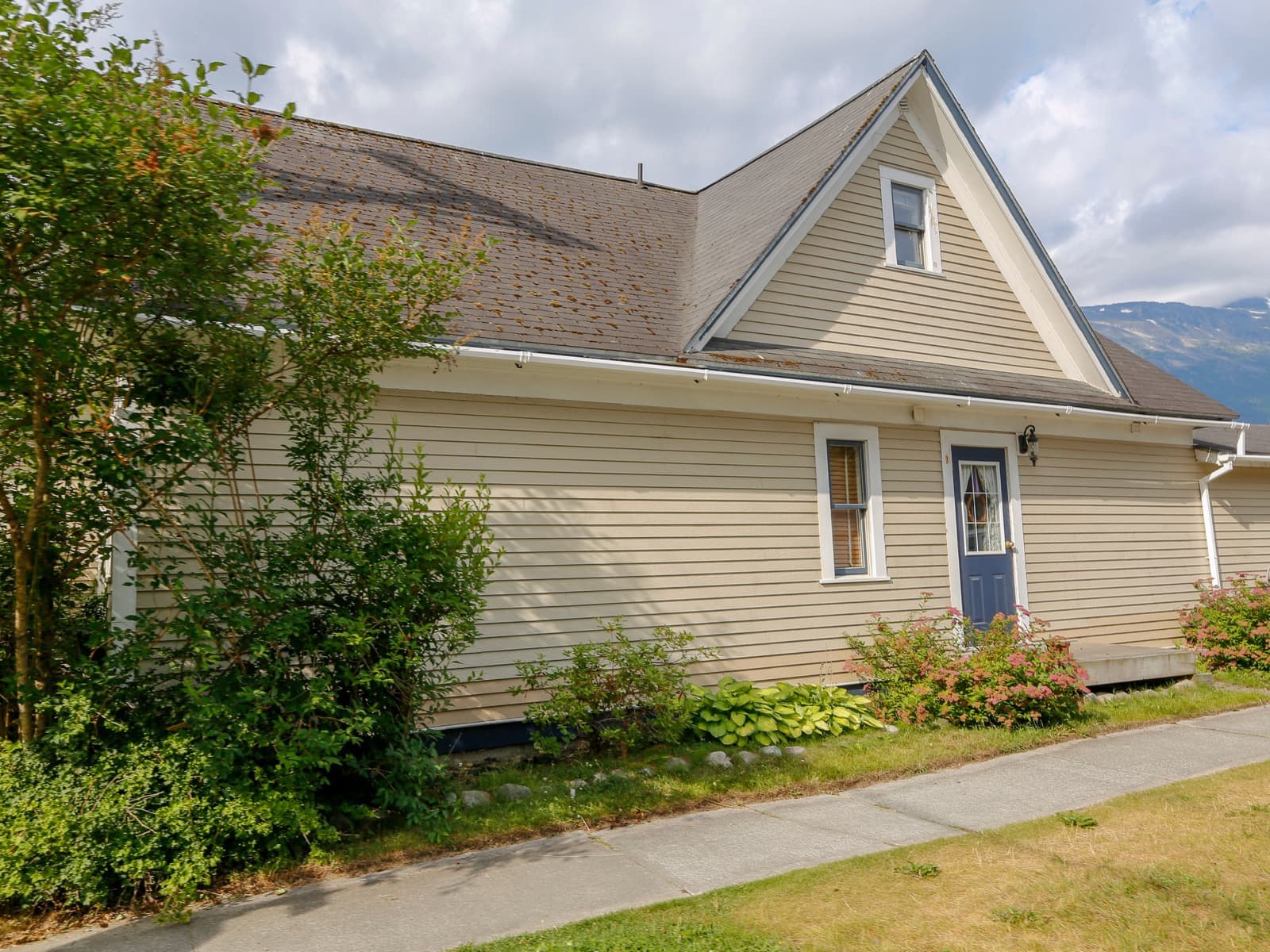
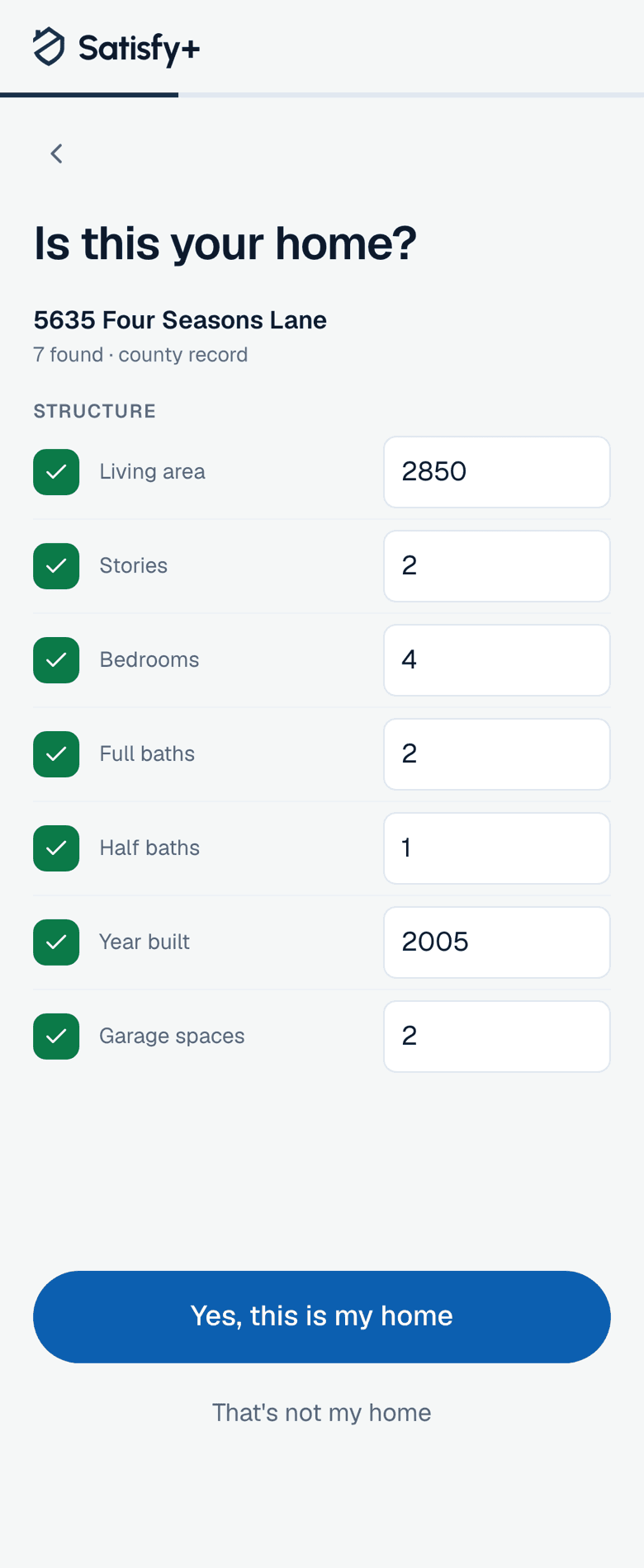
Type it in and you'll see what the public record says about the house. Check what it found, fix anything that's off, and the house is saved.
The previous owner's loan
A loan recorded before the last sale is labeled as the previous owner's, so it isn't mistaken for your mortgage.
If the record has nothing
You answer a few questions instead: beds, baths, a rough size and the year it was built.
Rooms and outdoor spaces
Tick the rooms the house has from a list suggested by its size.
Your car
Then your car
Add it by its VIN, or pick the year, make and model if the VIN isn't handy. A rough mileage is fine to start.
Your first project
Pick the room, then the job
On Home+, a project starts with where the work is, like the kitchen or the roof. Pick it and you're offered the usual jobs for that space, such as new countertops or a full remodel. Next comes a list of the trades a job like that usually needs, and the job gets its own page for the bids, the contract and the payments.

After set-up
Reminders for the deadlines you add
Add a new roof's warranty with its registration deadline and you'll be reminded to register it. Enter the appeal deadline from your assessment notice and you'll hear before it passes. Deadlines like these, the ones that cost money to miss, also come by email two weeks ahead.

Plans
Free for one home and one car
Your house and your car are free on the Home plan, which holds one of each. Home+ holds as many as you have, adds one project at a time, and lets you invite someone to a home by email. Home+ Duo gives two people their own Home+, and Home+ Family gives up to six people theirs. Your first month of Home+ is free.
The first month free is for a new account on monthly Home+, started on the web with a card. Home+ then renews automatically until you cancel. The price and terms are shown in the app before any payment is taken.
See what the public record knows about your house.