Explainer
Phishing emails and texts, and the stories they tell
Learn the stories phishing emails and texts tell, how to check a message that looks like your bank, and the protections that keep a stolen password from working.
Satisfy+ Editorial · Published July 13, 2026 · 2 min read
This is general education, not individual financial, investment or tax advice.
At a glance
- What it is
- A message built to get your passwords or account numbers
- How it looks
- Like a company you know, logo and all
- The stories
- Suspicious activity, a payment problem, an invoice
- The check
- Contact the company at a number or site you know
Scammers use email and text messages to trick people into handing over personal and financial information. They're after passwords, account numbers and Social Security numbers. The messages often look like they come from a company you know and trust, such as a bank, a credit card company, a utility or an online payment service.
The stories they tell
Phishing messages commonly claim one of these, and each claim is false:
- Suspicious activity or log-in attempts. There haven't been any.
- A problem with your account or your payment information. There isn't one.
- A request to confirm personal or financial information. You don't need to.
- An invoice you don't recognize. It's fake.
- A link to make a payment. The link carries malware.
- A government refund you can register for. It's a scam.
- A coupon for free things. It's not real.
What the message looks like
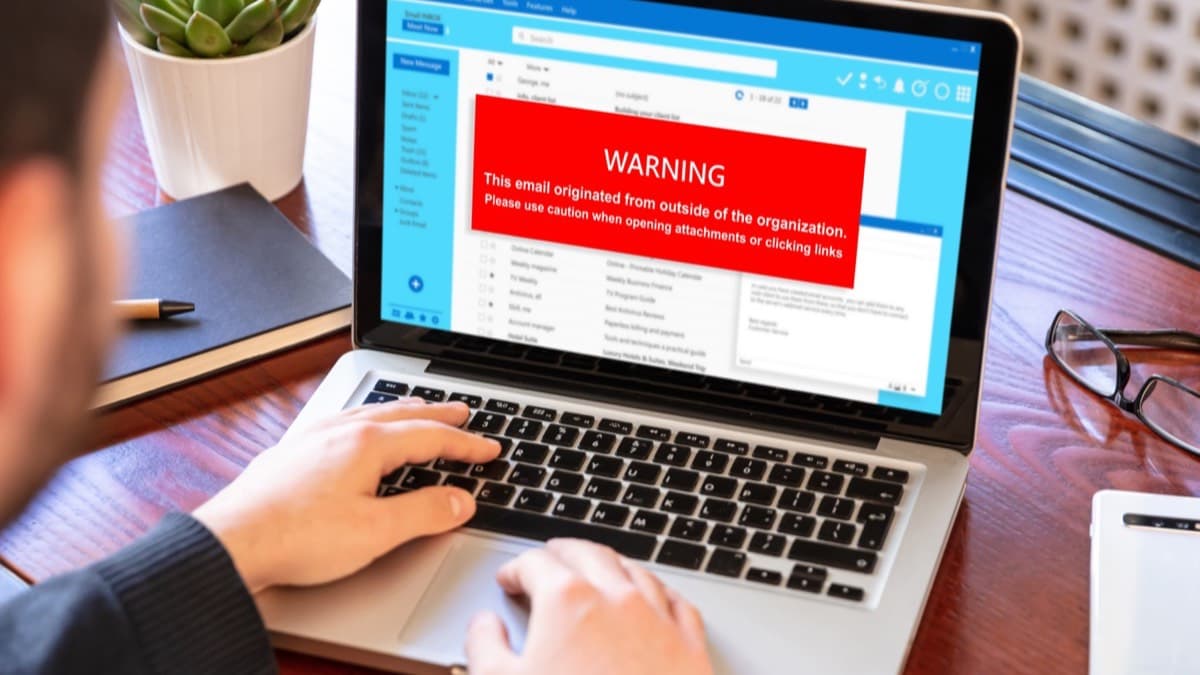
A phishing email can carry a real company's logo. It may open with a generic greeting, say your account is on hold because of a billing problem, and ask you to click a link to update your payment details.
Checking a message
If you have an account with the company or know the sender, don't use the contact details in the message. Contact the company using a phone number or website you know is real. If you don't recognize the sender, delete the message.
The protections that stop it
- Security software set to update automatically. Put it on your computer.
- Phone software kept up to date. Updates can give critical protection against security threats.
- Multi-factor authentication. Logging in with two or more credentials, such as a passcode and a one-time code or a fingerprint, keeps scammers out even if they get your password.
- Backups. Copy your computer and phone data to an external drive or the cloud.
An annotated example
What to do next
Turn on multi-factor authentication for your email and your bank. Set your phone and computer to update on their own, and set up a regular backup to the cloud or an external drive.
Protect your accounts from phishing
- Turn on multi-factor authentication for email and banking
- Set your phone and computer to update automatically
- Back up your phone and computer to the cloud or a drive
FAQ
How can I tell if an email is phishing?
Phishing emails often claim suspicious activity, a payment problem or an invoice you don't recognize, and may use a real company's logo with a generic greeting.
What should I do with a suspicious text from my bank?
Don't use the contact details in the message. Contact the bank at a number or website you know is real.
Sources
Checked October 19, 2026
- Federal Trade Commission. How to recognize and avoid phishing scams (2022)
- Scam