Checklist
Protecting your phone and what's on it
Lock the phone, keep it updated and backed up, and turn on the setting that finds, locks or erases it if it's lost or stolen.
Satisfy+ Editorial · Published May 22, 2026 · 2 min read
A phone holds passwords, account numbers, email, texts, photos and videos. In the wrong hands, that's enough to steal your identity, spend your money or get into your email and social media accounts. Anyone who gets into it can also reach your appointments, your contacts and the details of your online accounts.
Settings
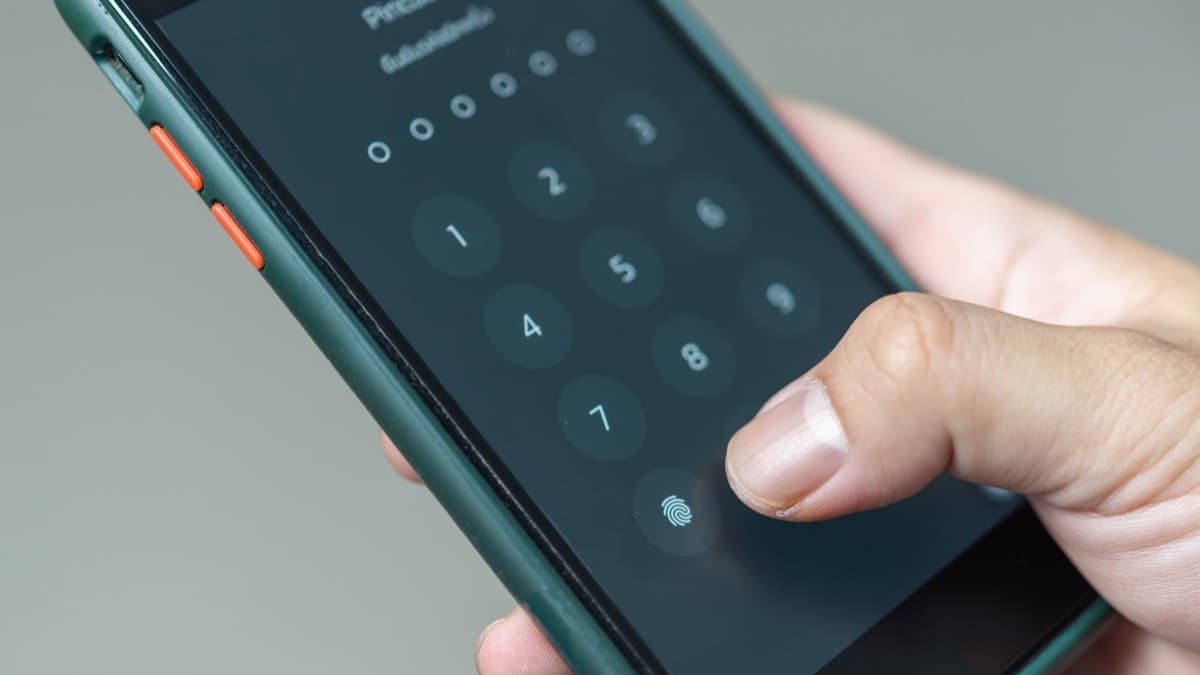
- Set a passcode of at least six digitsSet the phone to lock whenever you're not using it. Many phones can also unlock with a fingerprint or your face.
- Turn on automatic updates for the system and the appsUpdates often carry critical fixes for security threats. Without automatic updates, check for them often and install them right away.
- Back it up to the cloud or a computerBack up regularly, and keep the backup somewhere other than the phone. Your information stays within reach if the phone is lost, and you can tell exactly what was on it.
- Turn on the find, lock and erase featurePhones from both major operating systems can locate a lost phone, and lock or erase one that's stolen. Turn it on in the settings before you need it.
Set up the phone's protections
- Set a passcode of at least six digits on the phone
- Turn on automatic updates for the phone and its apps
- Turn on the phone's find, lock and erase feature
- Check that the phone backs up to the cloud or a computer
Out of the house
- Keep the phone with you when you travelThieves check hotel rooms for unattended devices at mealtimes. Conferences and trade shows give them more devices to choose from and more chances to get into guest rooms.
- Keep it out of sight in public when you aren't using it
- Watch who's around you when you type a passwordSomeone looking over your shoulder can read the screen.
Your phone number
A scammer doesn't need the phone itself to take over the account. In a SIM swap, the scammer talks your wireless carrier into moving your service to a phone the scammer holds. In port-out fraud, the scammer poses as you, opens an account with a different carrier, and has your number transferred to it. Either way, your number ends up on a phone or an account the scammer controls. A data breach that exposed your personal information makes both easier.
If it's lost or stolen
- Use the find feature to locate it, or to lock or erase it
- Report a theft to the policeIf it went missing in a hotel or at an event, tell the staff as well.
FAQ
How long should a phone passcode be?
At least six digits.
What should I set up before a phone is lost?
Turn on the feature that locates, locks and erases a lost phone, and back the phone up to the cloud or a computer.
What is a SIM swap?
A scam in which someone talks your wireless carrier into moving your phone service to a phone the scammer holds, without ever touching your phone.
Sources
Checked October 19, 2026
- Federal Trade Commission. How to protect your phone from hackers (2022)
- Cybersecurity and Infrastructure Security Agency. Protecting portable devices: physical security (2019)
- Federal Communications Commission. FCC adopts rules to protect consumers' cell phone accounts (2023)
- Free