Explainer
Tech support scams, from the pop-up to the phone call
Learn how tech support scams start, what the caller asks for, and the signs that a computer warning isn't real.
Satisfy+ Editorial · Published July 30, 2026 · 3 min read
This is general education, not individual financial, investment or tax advice.
At a glance
- How it starts
- A pop-up, a call, a text or a search result
- The claim
- Your computer has a virus, or your accounts were hacked
- The ask
- Remote access, then a fee to fix it
- Payment
- Gift cards, wires, crypto or payment apps
A tech support scam starts with a warning that something is wrong with your computer. The person behind it pretends to work for a well-known company, finds a problem that isn't there, and charges you to fix it.
How it starts
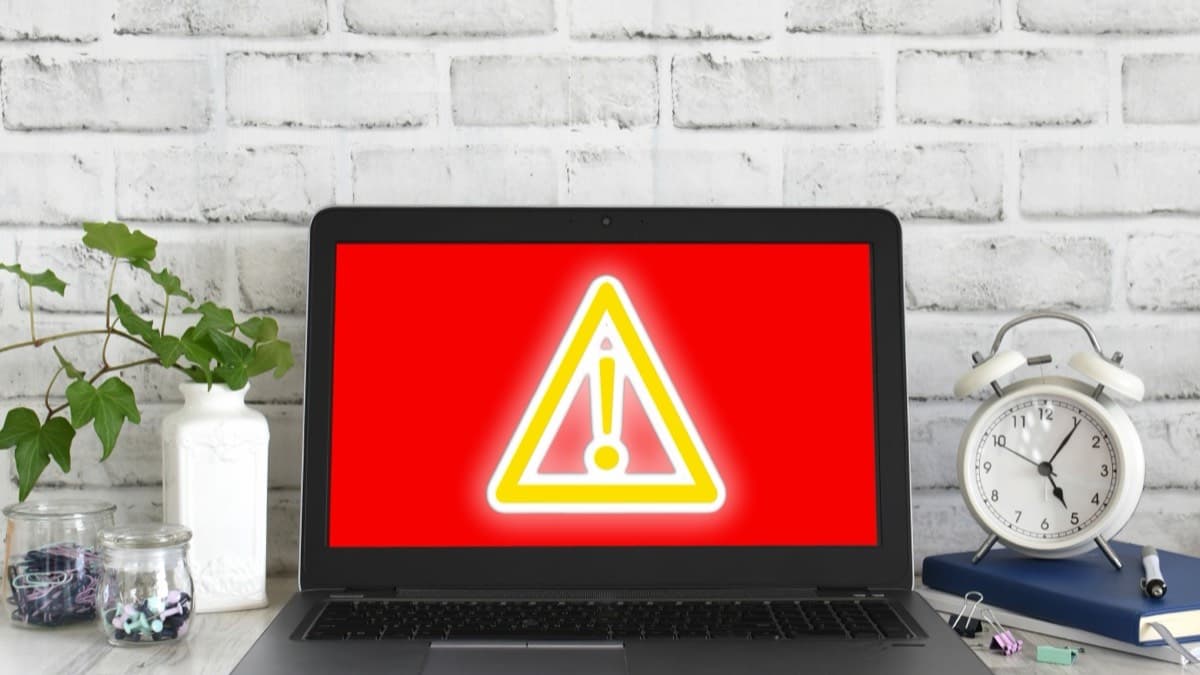
- A pop-up. A warning fills the screen, made to look like it comes from a well-known company, and urges you to call a phone number.
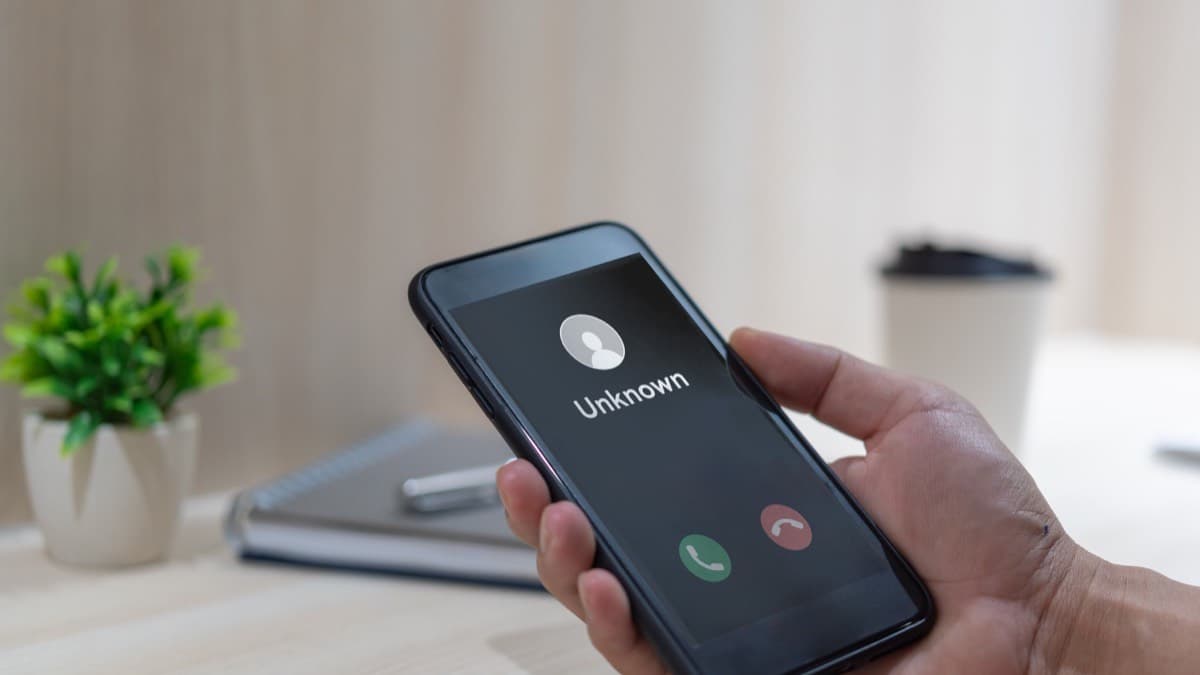
- A call or text. Someone posing as a technician from a well-known company gets in touch first.
- A search result or ad. Scammers work to get their sites into search results for tech support, and they run display ads, hoping you'll call them.
What the caller does
The caller says your computer has a virus or another problem and pretends to scan it. Then they ask for remote access, claim to find malware, and offer to remove it for a fee.
In one version, the caller says your accounts were hacked or your name is tied to a crime such as money laundering. You're transferred to a fake government employee, who may give you a badge number or a case number. That person says your money is at risk and tells you to withdraw it, put it in a "federal safety locker," or buy gold or cash and hand it over.
In another, an email or text warns of a tech support renewal charge and urges you to call within 24 hours. The caller may send you to a fake website to enter bank or card details, then claim to have refunded you too much and ask for the difference back.
How they want to be paid
Scammers insist on gift cards, wire transfers, bank transfers, cryptocurrency or payment apps. These work like cash, so money sent this way is hard to get back.
The signs
- Real tech companies don't call, email or text you about a problem with your computer.
- A real security pop-up never asks you to call a phone number.
- A government employee never tells you to move your money to protect it, use a federal safety locker, or pay in cash or gold.
- A renewal charge that isn't on your card or bank statement points to a scam.
An annotated example
What to do next
Don't call the number in a pop-up or message. For a renewal charge, check your statement, and contact the company at a number you know is real. Talk it over with a friend, family member or neighbor before you act. If you're worried about the computer, update the security software and run a scan, or take it to a computer store. If you gave a scammer a username and password, change that password right away, along with any other account where you used it.
Keep tech support scammers off the computer
- Talk through tech support scam signs at home
- Turn on automatic updates for the security software
FAQ
Will a tech company call me about a virus on my computer?
No. Real tech companies don't call, email or text about a problem with your computer.
What if I gave the caller my password?
Change it right away, and change it on any other account where you used the same password.
Sources
Checked October 19, 2026
- Federal Trade Commission. How to spot, avoid, and report tech support scams (2025)
- Scam