How-to
Dust storms on the road, and how to pull aside
Stay out of a dust storm if you can, and if one reaches you, get off the pavement, turn every light off and wait it out.
Satisfy+ Editorial · Published May 12, 2026 · 2 min read · 5 min to do
At a glance
- Before it reaches you
- Don't drive into it
- When it hits
- Get off the pavement and stop
- Lights
- All of them off
- Warning issued
- Stay off the road
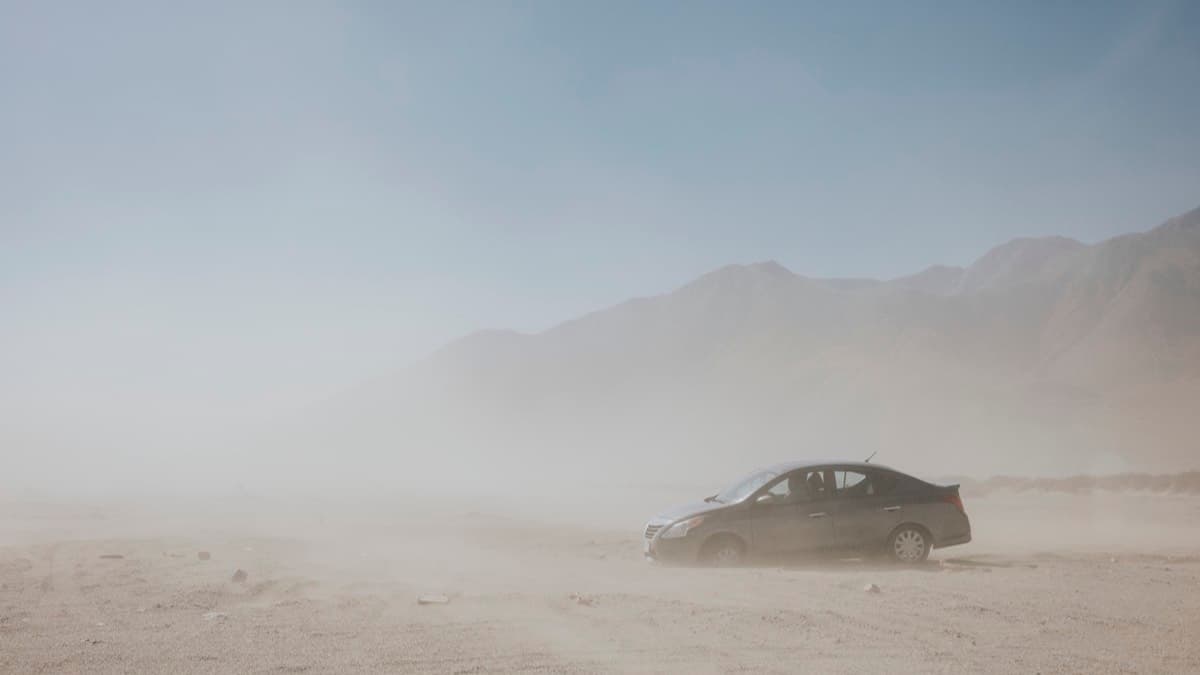
A dust storm usually arrives without much warning, as a wall of dust and debris that can be miles long and several thousand feet high. Blinding dust cuts visibility fast and can set off chain-reaction pileups. They happen anywhere in the country but most often in the Southwest, where thunderstorm winds push up the dust walls called haboobs. Your local National Weather Service office issues a Dust Storm Warning when one is happening in your area.
What you need
- Weather alerts turned on for your phone
- To know where the car's light switches are, including the hazard flashers
Steps
- 1
Stay out of it if you can
If you see dense dust blowing across the road or coming toward it, don't drive into it.
1 min
- 2
Pull off the pavement as far as you can
Check the traffic around you, slow down and get the car completely off the road. Never stop in a lane of traffic.
1 min
- 3
Turn off every light
All of them, hazard flashers included. Drivers coming up behind follow the lights ahead in low visibility. When a parked car leaves them on, they can drive off the road after it and hit it.
1 min
- 4
Set the parking brake and take your foot off the brake pedal
With your foot off the pedal, the brake lights stay dark.
1 min
- 5
Wait for the dust to clear
Most dust storms pass in a few minutes, though some last for hours.
5 min
Get ready for dust storm season
- Turn on weather alerts for dust storm warnings on your phone
Advisories and warnings
A Dust Advisory means blowing dust is happening or about to, and can cut visibility at times, so delay or reroute the trip. A Dust Storm Warning means a dangerous dust storm is happening or about to, with visibility near zero, so stay off the road. Blowing Dust Advisories and Warnings mean the same, for dust that's spread wide and lasts longer, sometimes for hours.
If you can't get off the road
Drive at a speed that suits what you can see, with your lights on, and sound the horn now and then. Use the painted center line to stay in your lane, and look for a safe place to pull off. Never stop in a lane of traffic.
FAQ
What should I do if I'm caught in a dust storm while driving?
Pull off the pavement as far as you can, turn off every light, set the parking brake, take your foot off the brake pedal, and wait for the dust to clear.
Why turn the lights off in a dust storm?
Drivers behind you follow the lights ahead of them in low visibility, and can run off the road into a parked car that leaves its lights on.
How long does a dust storm last?
Usually a few minutes, though some last for hours.
Sources
Checked October 20, 2026
- National Weather Service. Dust storms and haboobs (2026)
- National Weather Service. Social media: dust safety (2026)
- Car
- Southwest