Explainer
Warranties, surges and recalls for electronics and small appliances
Keep your electronics' receipts with their warranties, protect them from surges after an outage, charge their batteries safely, and check them for recalls.
Satisfy+ Editorial · Published October 14, 2026 · 2 min read
At a glance
- Warranty
- Keep the receipt with it
- Power outage
- Disconnect electronics before the power returns
- Charging
- The maker's charger, straight into a wall outlet
- Recalls
- Searched by product and model number
Warranties
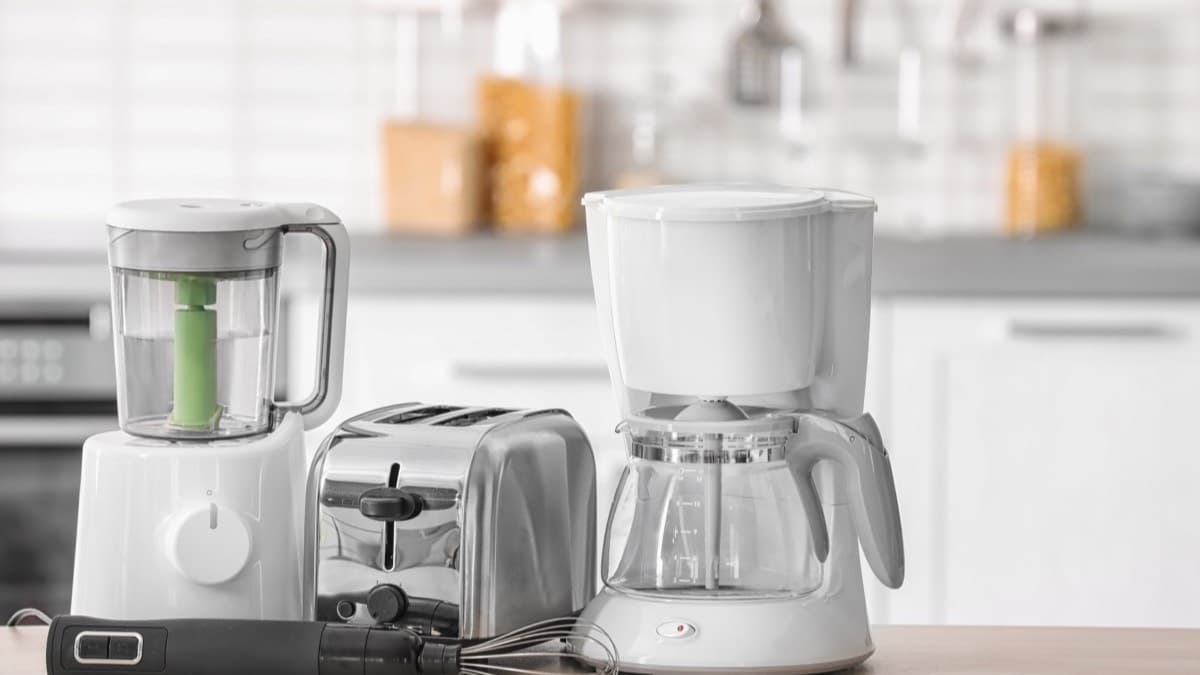
For phones, laptops, coffee makers and toasters alike, save the product receipt with the warranty. The receipt proves when you bought the item and that you're the original owner. If you shop online, print or download a copy of the warranty. Some warranties need a product registration card returned before they cover service.
Power outages and surges
Turn off or disconnect appliances, equipment and electronics during an outage. Power can come back with momentary surges or spikes that damage them. Keep a portable charger or power bank charged ahead of an outage, so phones stay on while the power is out.
Charging and batteries
Use the charger the manufacturer provided for the device. Plug charging devices straight into a wall outlet, not into an extension cord or a multiplug adapter. Multiplug adapters and power strips on one outlet can overheat.
Stop using a lithium-ion battery if you notice an odor, a change in color, too much heat, a change in shape, leaking or odd noises. Keep batteries out of direct sun and hot cars. Repairs to a lithium-ion battery pack belong at a certified repair facility.
A used lithium-ion battery doesn't go in the trash or the recycling bin, because it can ignite. Take it to a battery collection site in your community.
Recalls
The Consumer Product Safety Commission keeps a searchable list of recalled products. How to check your home for product recalls goes through a search, from the model number on the label to the recall notice.
An annotated example
What to do next
Gather the receipts and warranties for your electronics and small appliances into one place. Move any charger plugged into a power strip or extension cord to a wall outlet. Take swollen or unused lithium-ion batteries to a collection site, and search the CPSC recall list for your small appliances.
Look after your electronics and small appliances
- Save each receipt with its product's warranty
- Plug each charger straight into a wall outlet
- Check the CPSC recall list for your small appliances
FAQ
Should I unplug electronics during a power outage?
Yes. Power can come back with surges that damage them.
Can I throw away a lithium-ion battery?
No. Don't put one in the trash or the recycling, because it can ignite.
Sources
Checked October 19, 2026
- Federal Trade Commission. Warranties (2023)
- Ready.gov. Power outages (2026)
- U.S. Fire Administration. Lithium-ion battery safety for electronic devices (2018)
- U.S. Fire Administration. Battery fire safety (2026)
- U.S. Consumer Product Safety Commission. Recalls (2026)
- Power outage
- Appliances
- Free
- Fire
- DIY