Explainer
Emergency alerts on your phone
Wireless Emergency Alerts reach any capable phone in the area under threat, free and without signing up, as long as the phone is on, out of airplane mode and has the alerts turned on.
Satisfy+ Editorial · Updated June 17, 2026 · 3 min read
At a glance
- Cost
- Free
- Sign-up
- None
- Sound
- A unique tone and vibration, repeated twice
- Can't be blocked
- National Alerts
Wireless Emergency Alerts, or WEAs, are short warnings that public safety officials send to every capable phone in a targeted area. They're sent by state, local, tribal and territorial officials, the National Weather Service, the National Center for Missing and Exploited Children and the President, all through FEMA's Integrated Public Alert and Warning System. Since it launched in 2012, the system has been used nearly 96,000 times to warn people about dangerous weather, missing children and other emergencies.
What an alert looks like
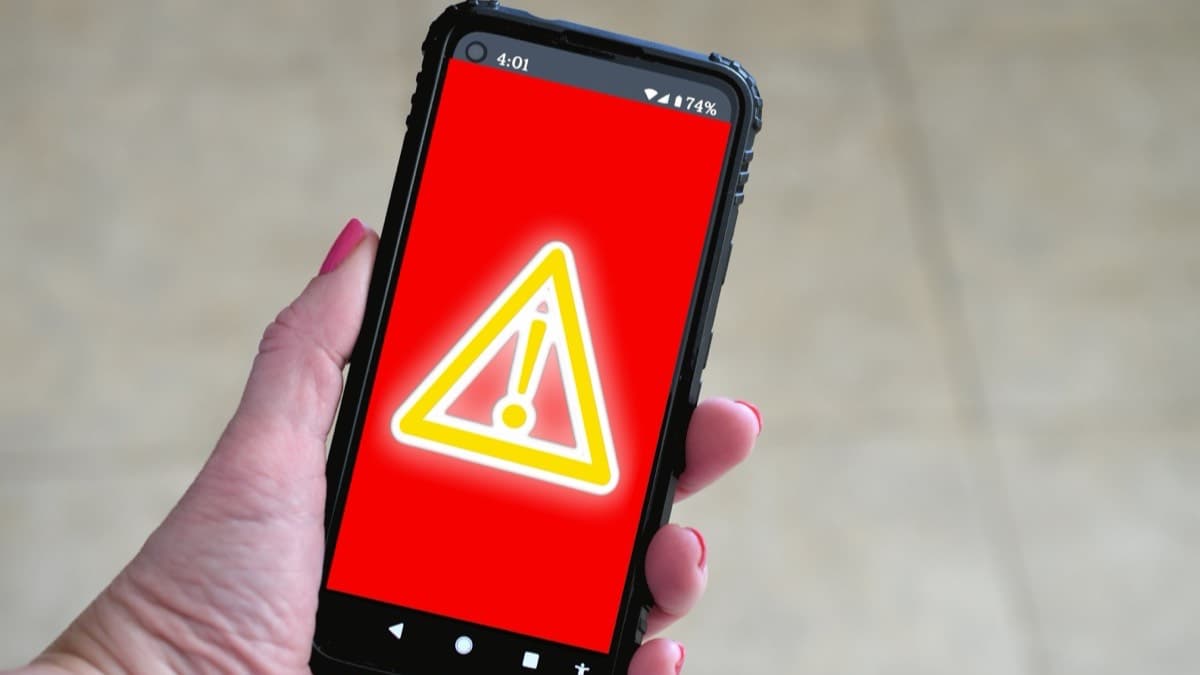
A WEA looks like a text message but comes with a unique sound and vibration, repeated twice, to get your attention. The sound and vibration help people with hearing or vision disabilities notice it. Some phones label them "Government Alerts" or "Emergency Alert Messages." They aren't affected by network congestion, and they don't interrupt calls, texts or data already in progress.
The four kinds of alert
- National Alerts from the President or the head of FEMA. These can't be turned off.
- Imminent Threat alerts about immediate threats to safety or life, such as severe weather or the need to evacuate.
- AMBER Alerts about missing children.
- Public Safety Messages with advice for protecting lives and property.
A carrier may let you block every kind except National Alerts.
Who gets them
Alerts go to the phones in the area of the emergency. Since December 2019, phones that support it get alerts for the exact area the sender chooses, with no more than a tenth of a mile of overshoot. Other capable phones get alerts for a wider area. WEA doesn't track the location of the people who receive it.
Prepaid phones get alerts too.
When a phone doesn't get them
A phone has to be WEA-capable, switched on, out of airplane mode and connected to a participating carrier's tower. All the major carriers and some smaller ones take part. If a phone isn't getting alerts:
- Check the phone's settings and its user manual, since some models need WEAs turned on.
- Know that some older phones can't receive them.
- Ask the wireless provider whether it offers WEA on that phone and in your area.
Other ways alerts reach you
The Emergency Alert System carries warnings over TV and radio, satellite and cable. NOAA Weather Radio broadcasts National Weather Service warnings, watches and forecasts 24 hours a day. The FEMA app can send National Weather Service alerts for up to five locations and help find a nearby shelter.
An annotated example
What to do next
Open the settings on each phone in the house and make sure emergency alerts are on. If a phone isn't getting alerts, check with the wireless provider.
Make sure the phones get emergency alerts
- Check that emergency alerts are on in each phone's settings
FAQ
Do I have to sign up for emergency alerts on my phone?
No. Wireless Emergency Alerts are free, and there's nothing to sign up for. A capable phone in the area gets them automatically.
Can I turn off emergency alerts?
A carrier may let you block the other kinds, but National Alerts can't be blocked.
Why didn't my phone get an alert when my friend's did?
The phone has to be WEA-capable, switched on, out of airplane mode and connected to a participating carrier's tower.
Sources
Checked October 20, 2026
- Ready.gov, U.S. Department of Homeland Security. Emergency alerts (2026)
- Federal Communications Commission. Wireless Emergency Alerts (WEA) (2025)
- Owner
- Beginner
- Tenant
- Free
- DIY